 Clayshell
Your servers, in one calm place.
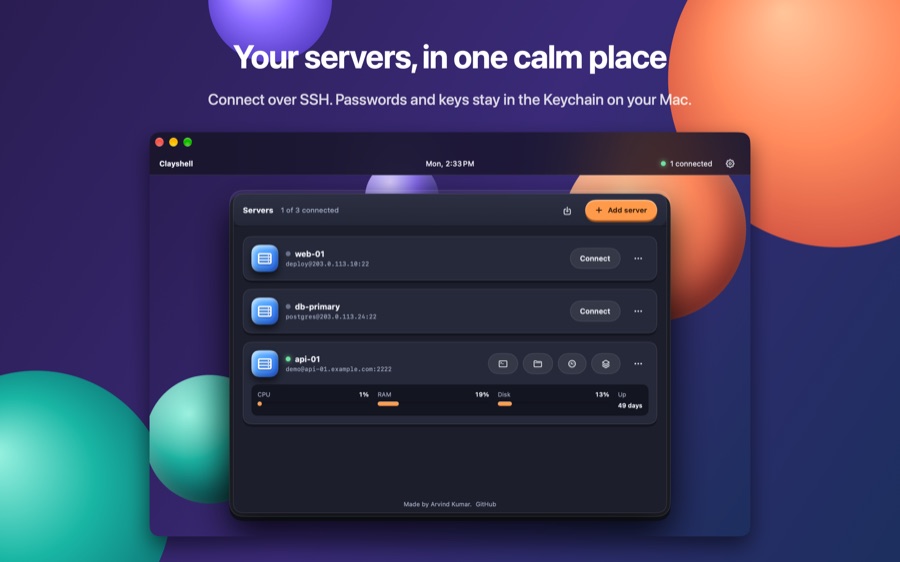
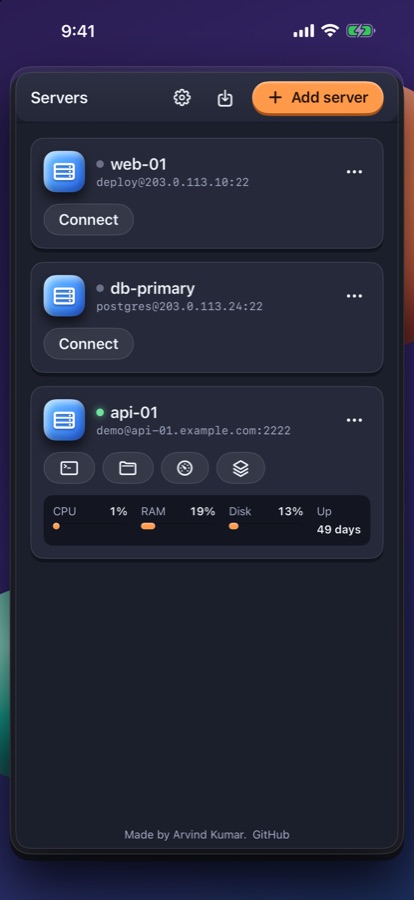
Clayshell is an SSH server manager for Mac and iPhone. Terminal, files, monitoring, PM2 and alerts, in one app.
Free. No account. Nothing collected.
Terminal
A real terminal, in tabs
Full colour, your own shell, as many sessions as you need. Run a command, follow a log, keep both open.
Files and editor
Edit a file. Keep a backup.
Browse the server over SFTP, upload and download, and open a file to edit it. Before every save the old version is kept next to it as a .bak file, and one tap puts it back.
Monitor and PM2
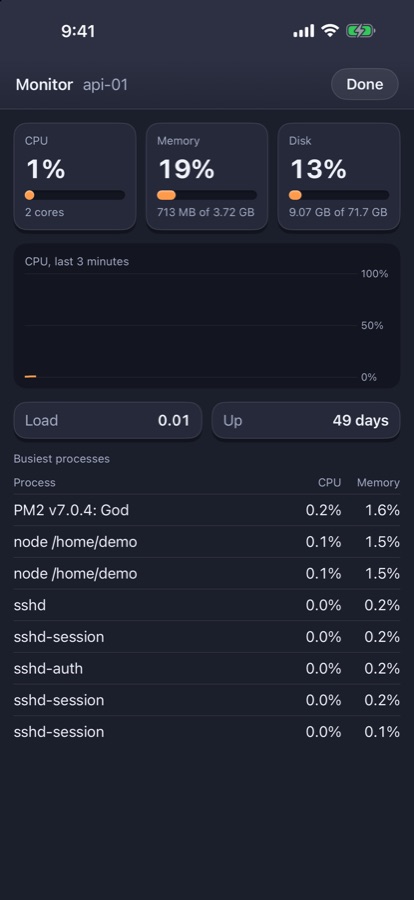
See how the server is doing
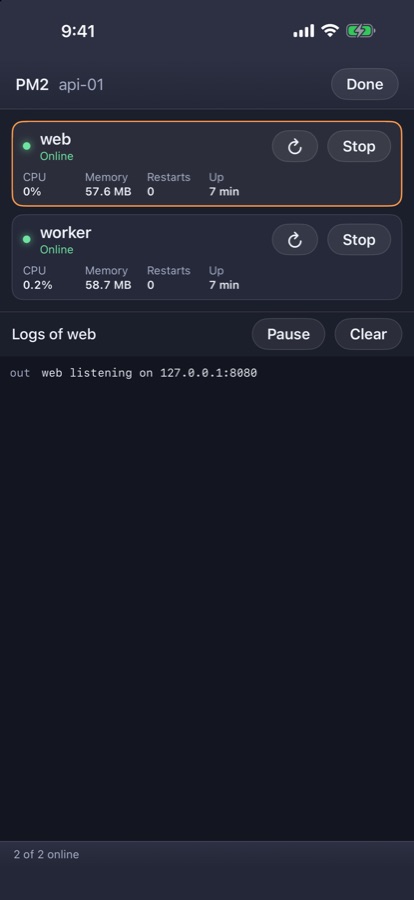
CPU, memory, disk, load and the busiest processes, live. Start, stop and restart your PM2 processes and read their logs from the same place.
Private by design
It checks before it trusts
The first time you connect, Clayshell shows the server's fingerprint and asks. If that key ever changes, it stops. Passwords and keys stay in the Keychain on your device.
Six tools, one app
Everything a server needs day to day
- Jump hosts
- Import from your SSH config
- Port forwarding
- Ed25519 and RSA keys
- Alerts to Telegram, ntfy or a webhook
- Day and night looks
- Lock with Face ID or Touch ID
On Mac and iPhone
The same servers, on the desk and in your pocket
Your data stays with you
Nothing leaves your device except your own SSH connections
Questions
Before you add your first server
Is Clayshell free?
Yes. Clayshell is free on the App Store for Mac and iPhone, with no account and no in-app purchases.
What does it collect?
Nothing. There are no analytics. The app only talks to the SSH servers you add, and their passwords and keys stay in the Keychain on your device.
Which keys can I sign in with?
A password, an Ed25519 key or an RSA key. Ed25519 keys can have a passphrase. You can paste a key or pick its file, or import hosts from your SSH config.
Which servers does it work with?
Any server you can reach over SSH. The terminal and files work everywhere; Monitor reads Linux, and the PM2 screen needs PM2 on the server.
Can I reach a server behind a bastion?
Yes. Choose another saved server under "Connect through" and Clayshell jumps through it. Local port forwards work the same way.
Mac or iPhone?
Both, from one App Store download. The Mac app works in windows; the iPhone app fits the same tools into one hand.